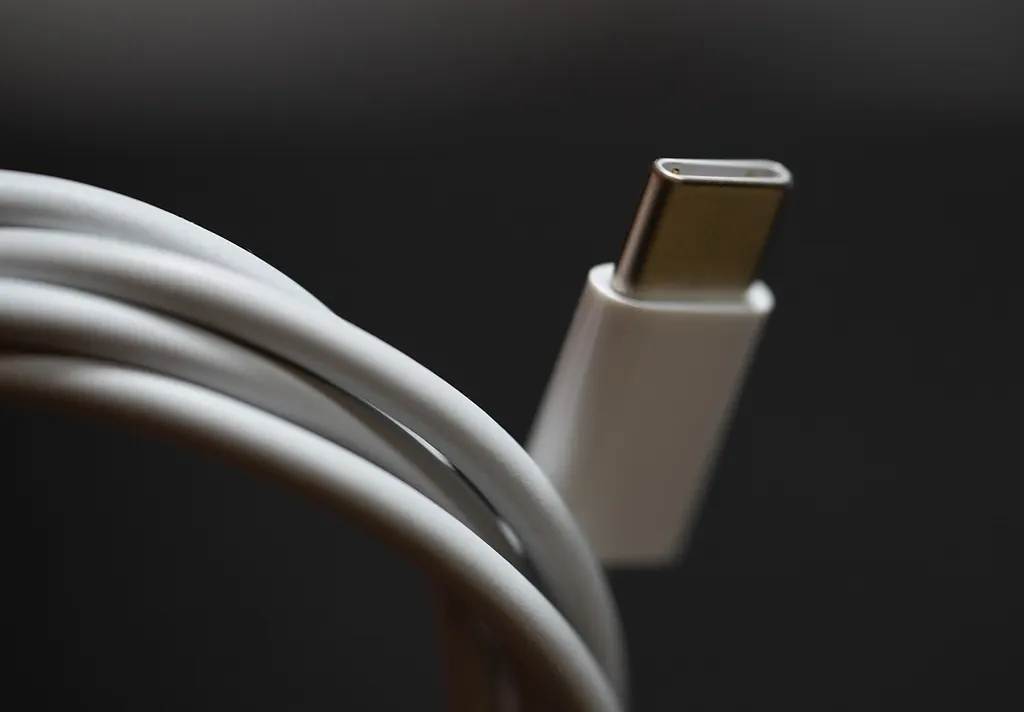
How to choose a power bank: capacity and output
The right power bank depends on your device and routine. A large capacity figure does not guarantee fast charging or an exact number of recharges.
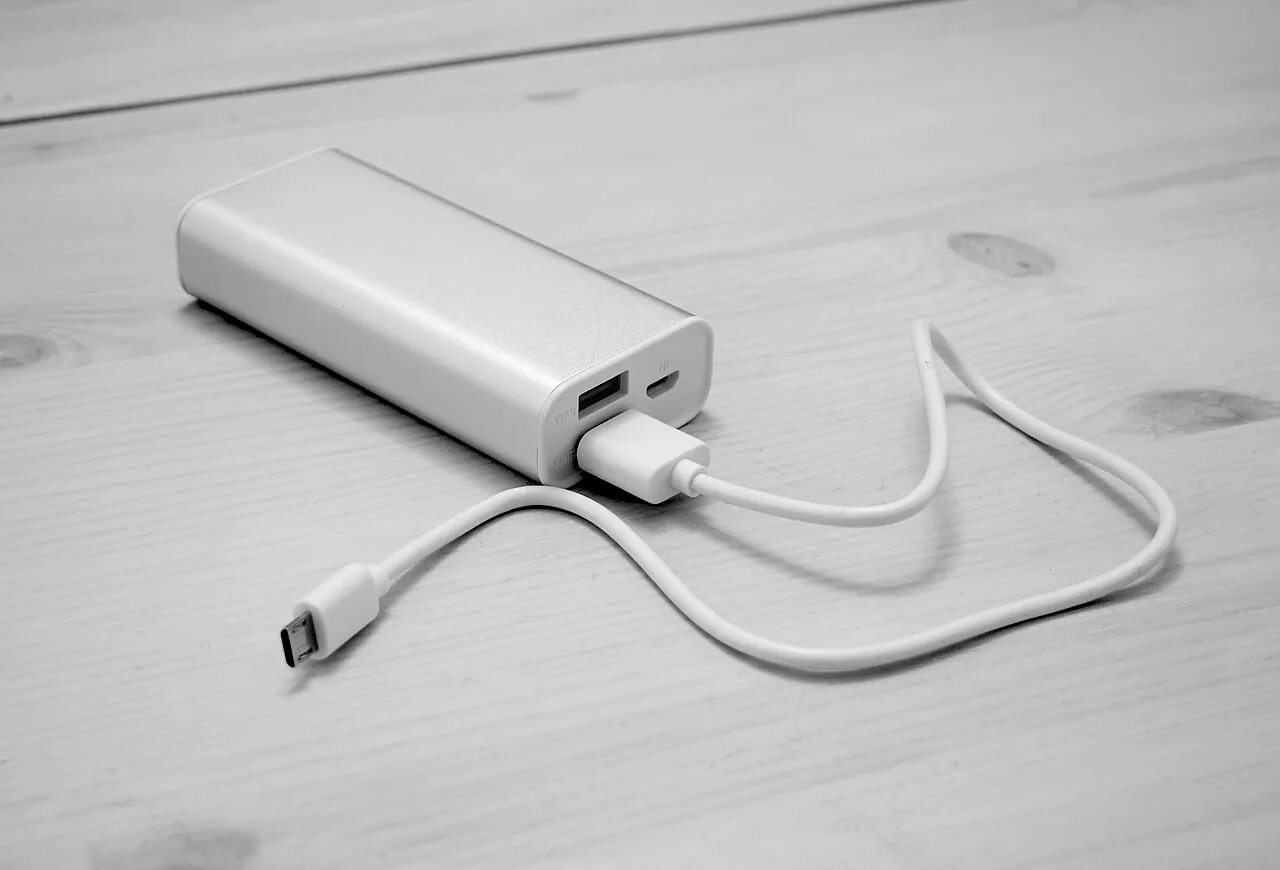
Start with the devices you actually carry
Choose a power bank around your equipment, beginning with the exact models of your phone, tablet, headphones and laptop. For each device, find the charging connection and power requirements in its manufacturer’s instructions. A product family name is not enough: different generations may need different cables or support different charging modes. Keep the details in one note so that every power bank on your shortlist is being compared against the same requirements.
Next, define the main job. Keeping a phone available until you get home, charging several devices during a journey and working on a laptop away from a socket are different tasks. Note when you normally have access to mains electricity and how long you can leave equipment connected. This helps you assess both the energy you need to carry and the time available to recharge the power bank.
Decide which devices must charge together. If you need your phone for communication while working on a laptop, support for that combination matters more than an extra socket you rarely use. Separate current needs from possible future purchases. Check compatibility with the equipment you own before paying for a charging mode intended for something you might buy later.
Understand mAh and watt-hours
The large capacity figure on a box is often expressed in milliamp-hours. To compare stored energy, you also need the voltage associated with that figure. The conversion is Wh = mAh × V / 1000. Use the battery’s stated nominal voltage, rather than choosing a USB output voltage. The relationship between these units is explained in the FAA’s guidance on lithium batteries.
In a specification, distinguish the internal battery information from the output ratings. If a manufacturer gives an output capacity at a particular voltage and load, keep those conditions beside the number. Otherwise, two similar figures may describe different measurements. Look for documentation matching the precise model rather than a retailer’s general comparison chart covering several products.
Make a short comparison sheet with stored energy in Wh, weight, dimensions, maximum output and maximum input. Mark missing information as unknown. Do not fill a gap using a photograph of a similar casing or the specifications of another version. When an essential detail is absent, ask the seller for the manual before deciding whether that model belongs on your shortlist.
Treat recharge counts as conditional
Simply dividing a power bank’s mAh figure by a phone battery’s mAh figure does not describe the whole charging process. Energy conversion involves losses, and using the connected device also affects the result. A manufacturer’s recharge claim needs its test conditions. Anker discusses this limitation for its A1695 power bank.
For your own journey, write down which devices need to remain available and until when. Avoid planning an entire route around an advertised number of full phone charges. Before an important trip, try the complete kit during normal use and note the remaining reserve. The result helps you plan for your equipment; it is not a universal promise for other phones or different conditions.
When reading reviews, look for the connected device, cable and workload. A statement that a battery lasts a long time supplies none of that information. Reviews can reveal an awkward button or an inconveniently short built-in cable, but they do not replace the manufacturer’s compatibility information. Keep observations about handling separate from claims about electrical performance.
Match the charging mode, not just the connector
Watts describe power rather than stored energy. With USB Power Delivery, the source and receiving device negotiate a supported supply. A USB-C connector alone does not establish every charging capability. USB-IF explains the principle. Look for the supported charging protocol and the rating of the particular output you intend to use.
Check your phone manufacturer’s fast-charging requirements, including any additional modes specified for the model. Then find those requirements in the power bank’s documentation. Guidance can differ between generations: Apple lists separate fast-charging requirements for different iPhones. A recommendation for one model should not automatically be applied to an entire brand.
For a laptop, first establish whether the intended USB-C port accepts charging. Compare the manufacturer’s power requirements with the power bank’s output specification. A plug fitting into a socket does not resolve missing compatibility information. If you ask the seller for help, provide the exact laptop model and required charging mode rather than asking whether the battery works with computers in general.
Read the power-sharing information
Total output and the maximum output of one port are different limits. Anker’s A1695 specifies up to 100 W from an individual USB-C connection and up to 165 W in total with two devices connected. Its official specification illustrates why adding the individual port ratings gives the wrong answer.
Find the connection diagram for the combination you plan to use. Identify the output for your most demanding device and check what changes when another cable is connected. Save the relevant diagram with your equipment notes. Counting sockets tells you how many connections are physically available; it does not establish how your particular devices will share the available power.
Include the cable in your comparison
Check both connectors, the cable’s stated power capability and any cable requirements in the device instructions. Higher-power USB-C charging has specific cable requirements, as described in USB-IF’s Power Delivery update. Similar-looking leads are not evidence of identical capabilities.
Choose a length that suits how you arrange your equipment. At a desk, the power bank should rest securely without pulling on the connection. For a small bag, think about where the loose cable will go. Check that the plug housing can fit properly when your phone’s protective case is installed. Discovering an awkward connection at home is preferable to struggling with it while travelling.
A built-in lead means one fewer separate item to remember. Check whether there is also a socket for a replacement cable and what functions that socket supports. Our guide to USB-C cable features explains the related terminology. A general claim that a cable is fast is less useful than a clear specification matching the charging setup you need.
Plan how you will recharge the power bank
Read Input and Output separately: input concerns charging the power bank, while output concerns supplying connected equipment. Compare the input specification with your existing wall adapter. Check what is included in the package, too. A supplied cable does not necessarily mean a supplied adapter. Work out whether your current equipment is suitable or another charger must be carried.
Read any advertised recharge time together with the measurement conditions. Is the wall adapter identified? Which port was used, and what was the starting battery level? If those details are missing, avoid building a precise travel schedule around the headline time. Try your own setup before departure and leave an opportunity to recharge before the journey rather than relying on a final brief stop.
If you want to charge a phone while the power bank itself is charging, look for explicit support for pass-through charging. Check the allowed connections and model-specific restrictions. Do not assume this feature makes the product a replacement for an uninterruptible power supply. That is a separate requirement which needs an explicit statement from the manufacturer.
Check the complete kit’s size and convenience
Compare the dimensions with the compartment where you intend to carry the power bank. Allow room for the connected plug: the dimensions of the casing alone do not describe the space needed during use. Consider whether you can reach the button and read the indicator in that position. Include the cable and wall adapter when assessing the weight of your travel kit.
For a walk in Estonia, connect this decision with your broader day-walk preparation. Save the route and important contact details beforehand, and choose a suitable place for your electronics. Before flying, check your carrier’s current rules for transporting and using power banks. An airline-friendly claim on a product page does not replace the rules applying to your flight.
Test the setup and investigate slow charging
After purchase, check the model number and package contents against your order. Inspect the casing, connections and cable, then read the instructions. Do not use a damaged battery. Follow the temperature and moisture restrictions for the specific product; the Anker A1695 manual is one example of where manufacturers provide these instructions.
Connect one device using a suitable cable and the recommended output. Confirm that charging starts. Test the second device separately before connecting both together. If the result is unexpected, change one element at a time: the cable, then the port, then the connection arrangement. Keep a brief record so that you do not repeat the same unsuccessful checks without learning anything.
Read any message on the phone. Unsuitable temperatures can slow or pause charging; Apple documents this behaviour for iPhone and iPad. One slow connection does not establish that the power bank is faulty. If the problem repeats under permitted conditions with compatible equipment, give the seller the exact device models, connection arrangement and observations.
Before making a final choice, check that you can answer five questions: what will be connected, what energy reserve is needed, which charging mode is supported, how the ports work together and how the power bank itself will be recharged. Confirmed answers and a practical carrying arrangement are a stronger basis for choosing than a large number on a box. Resolve an unknown essential specification before buying.